
If you want to save energy in your small home—like, who doesn’t?—start by choosing a smart thermostat that fits your HVAC system. Set a consistent schedule to keep things cozy while you’re home and save bucks when you’re out! Enable geofencing to adjust temps automatically as you come and go. Don’t forget to optimize for seasonal changes and update your software regularly. With just a few clever tweaks, you can keep comfy without breaking the bank. Stick around; I’ve got more tips up my sleeve!
Table of Contents
Design Highlights
- Choose a smart thermostat compatible with your HVAC system to ensure efficient operation and energy savings.
- Utilize geofencing features to automatically adjust temperatures based on your location, maximizing energy efficiency while away.
- Set a consistent schedule for heating and cooling to align with your daily routine, optimizing energy use when home and away.
- Regularly update your thermostat software to access new features and ensure optimal performance for energy savings.
- Use manual override options during unexpected weather changes to maintain comfort without wasting energy.
Choose the Right Smart Thermostat for Your Small Home
When you’re looking to choose the right smart thermostat for your small home, what should you even consider? First, think about compatibility. Your existing HVAC system needs to play nice with the thermostat you pick. Next, check for features like remote access—who doesn’t want to adjust the temp from the couch? Energy-saving settings are a must; I mean, we’re trying to save bucks here, right? Also, look for a user-friendly app; if it’s more complicated than my Aunt Betty’s cookie recipe, I’m out. Finally, consider your budget. Smart doesn’t have to mean broke. Do your homework, read reviews, and maybe even ask a neighbor for their thoughts. You’ll find a thermostat that fits your cozy abode like a glove!
Set a Consistent Schedule for Maximum Efficiency
To make your smart thermostat really work for you, setting a consistent schedule is key. Trust me, it’s like giving your thermostat a job. Start by programming it to match your daily routine. If you wake up at 7 AM, set the heat to kick in at 6:30. That way, you’re greeted by a cozy home—no more freezing mornings!
Try to keep the same settings on weekdays and weekends. I know, weekends can be wild, but consistency saves energy and keeps your bills low. Plus, you won’t have to constantly fiddle with controls like a mad scientist. And hey, if you mess up, just adjust it! It’s a learning curve—like trying to ride a bike without training wheels. You got this!
Utilize Geofencing to Save Energy When You’re Away
Now that you’ve got a solid schedule in place, let’s talk about how geofencing can work its magic while you’re out and about. Imagine your thermostat knowing when you’re not home—like a loyal puppy waiting for you to return. When you set up geofencing, your thermostat adjusts the temperature based on your location. It’ll save energy by cooling or heating only when you’re nearby.
Here’s a quick look at how to maximize this feature:
| Task | Action | Result |
|---|---|---|
| Set Up Geofencing | Enable in app | Automatic adjustments |
| Customize Radius | Choose your distance | Tailored efficiency |
| Notifications | Turn on alerts | Stay informed on changes |
| Test the Feature | Walk away, then return | See it in action |
| Adjust Settings | Fine-tune preferences | Perfect comfort every time |
Now go forth and let your thermostat do the heavy lifting!
Take Advantage of Your Thermostat’s Energy-Saving Features
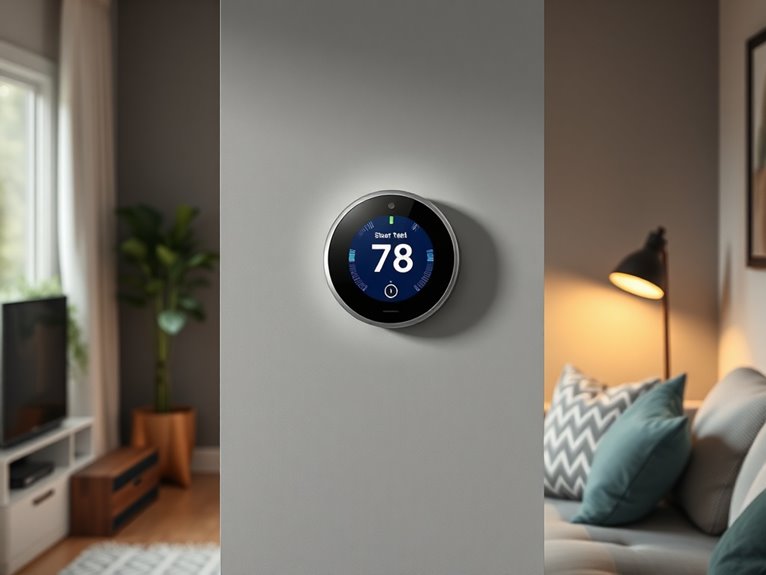
While you might think your smart thermostat is just a fancy gadget, it’s actually a powerhouse of energy-saving features waiting to be released. First, plunge into the settings and look for energy-saving modes—this can automatically adjust your heating or cooling based on your habits. Trust me, I forgot about this feature, and my bills were terrifying! Then, explore the scheduling options. Set it to lower temperatures when you’re asleep or away. Oh, and don’t overlook the reminders for maintenance checks; they keep your system running efficiently. Finally, if your thermostat has a learning feature, let it do its thing—it’s like having a personal assistant for your energy saving! You’ll be amazed at how much you can save.
Optimize Temperature Settings for Comfort and Savings
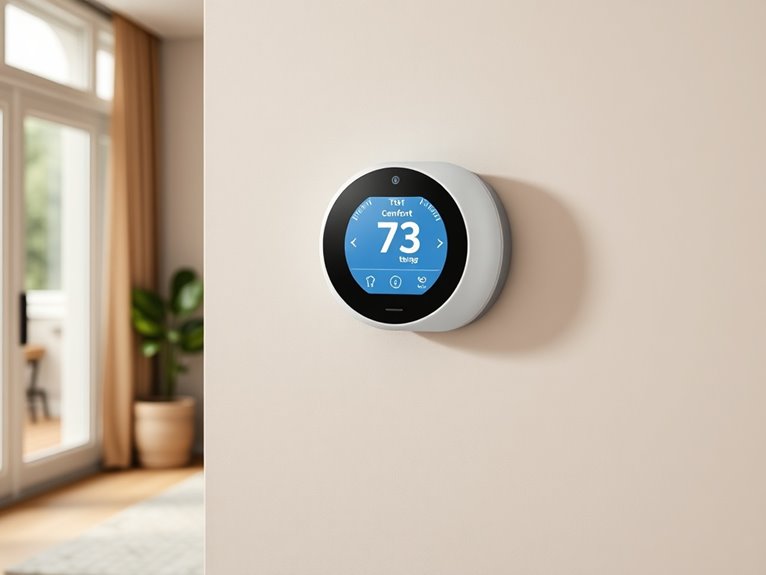
Finding the perfect temperature setting can feel like a Goldilocks dilemma—too hot, too cold, or just right. It’s all about striking that magical balance where you’re cozy without overdoing it on energy costs. I’ve found that adjusting your thermostat by just a couple of degrees can make a big difference. Here’s what I suggest:
- Set your thermostat to 68°F when you’re home for ultimate comfort.
- When you’re away, bump it up to around 75°F (trust me, your wallet will thank you).
- Consider lowering it even more at night; a cooler room can help you sleep like a baby.
Experiment a bit to find your sweet spot—your comfort and savings will totally be worth it!
Track Energy Usage With Built-In Reports
After you’ve nailed down those comfy temperature settings, it’s time to turn your attention to tracking your energy usage—because what’s the point in saving energy if you don’t know how much you’re actually using? Most smart thermostats come with built-in reports that break down your energy consumption. So, explore those reports like you’re reading a juicy gossip column. You’ll find insights on peak usage times and even how your habits stack up against similar homes. It’s a little like finding out how many cookies you really ate—eye-opening, right? By reviewing these reports regularly, you can tweak settings to save even more. Trust me, it’s worth it to keep those energy bills in check and your conscience clear!
Connect Your Thermostat to Other Smart Devices
Connecting your smart thermostat to other smart devices in your home can transform your space into an energy-efficient haven. Trust me, it’s like giving your thermostat a superhero cape! By syncing it with smart lights, motion sensors, or your smart speaker, you can create a cozy atmosphere while saving energy.
Here’s what I love about it:
- Automate temperature settings based on when you’re home or away.
- Control everything with your voice, so you don’t have to get off the couch (because who wants to do that?).
- Receive alerts if your home’s getting too hot or cold, keeping you comfy and safe.
Adjust Your Thermostat for Seasonal Changes
As the seasons change, you might find yourself needing to adjust your thermostat settings, especially if you live in a small home where every degree counts. Trust me, a few tweaks can make a big difference! For instance, in winter, setting your thermostat to 68°F during the day and lowering it at night can save you tons. Here’s a quick reference to help you out:
| Season | Daytime Temp (°F) | Nighttime Temp (°F) |
|---|---|---|
| Winter | 68 | 60 |
| Spring | 72 | 65 |
| Summer | 75 | 78 |
Don’t worry if you forget these numbers; just remember, cozy is key! Adjusting your thermostat can keep your energy bills manageable and your home comfy.
Regularly Update Your Thermostat Software for Improvements
You might not think about it, but regularly updating your thermostat’s software can really enhance your home’s comfort and efficiency. Think of it like giving your thermostat a little spa day! Updates often include new features and fixes that can help save energy—who wouldn’t want that? Just imagine:
- Enjoying a snug home without skyrocketing bills.
- Having your thermostat learn your schedule, making it a breeze to use.
- Getting the latest energy-saving tips right when you need them.
To update, simply check your thermostat app or manual. Trust me, it’s usually a quick process. Don’t worry if tech isn’t your jam; if I can manage it, so can you! Keeping your thermostat in top shape means more cozy moments and fewer stress-filled ones.
Use Smart Alerts on Your Thermostat for Optimal Performance
While it might seem like just another notification on your phone, using smart alerts on your thermostat can genuinely keep your home running smoothly and efficiently. Trust me, I’ve learned the hard way that ignoring those little pings can lead to big problems. Set alerts for temperature changes, maintenance reminders, or energy usage spikes. You’ll get a heads-up when something’s off, giving you time to address it before it spirals out of control—like that time I forgot to change the air filter and my house turned into a sauna! To set it up, explore your thermostat’s app, find the alerts section, and customize what you want to be notified about. It’s a small step that leads to big savings and comfort!
Manually Override Settings for Unexpected Changes
Life can throw some unexpected curveballs, especially when it comes to the weather. One minute it’s sunny, and the next, a storm rolls in. That’s when you might need to manually override your thermostat settings. Don’t be shy about adjusting those settings when life gets unpredictable!
Here’s why you should do it:
- You’ll avoid sweating through your favorite shirt.
- Your plants won’t look like they’re auditioning for a horror movie.
- You keep your cozy home atmosphere just right.
To manually override, just access your thermostat’s app or panel. Find the “manual” option, then set your desired temperature. It’s that simple! Trust me, it’s a lifesaver when life decides to shake things up.