
If you’re enthusiastic to jump into DIY smart home projects, you’re in for a treat! Start with smart lighting—just screw in those nifty bulbs and download the app. Creating a central hub with a Raspberry Pi for all your gadgets is a game changer! Sprinkle in smart cameras for security, and automate your thermostat to save energy while you’re lounging at home. Trust me, these projects are doable and will make your home feel super high-tech. Stick around to discover more about these fun upgrades!
Table of Contents
Design Highlights
- Install smart bulbs in existing fixtures for easy lighting control and scheduling via a dedicated app.
- Create a DIY smart home hub using a Raspberry Pi to manage devices seamlessly.
- Set up a smart thermostat to optimize energy usage and save on heating and cooling costs.
- Enhance home security by installing smart cameras with motion detection for real-time monitoring.
- Build a stylish smart mirror using a two-way mirror and a monitor for a high-tech reflection.
Getting Started: Easy DIY Smart Lighting Solutions
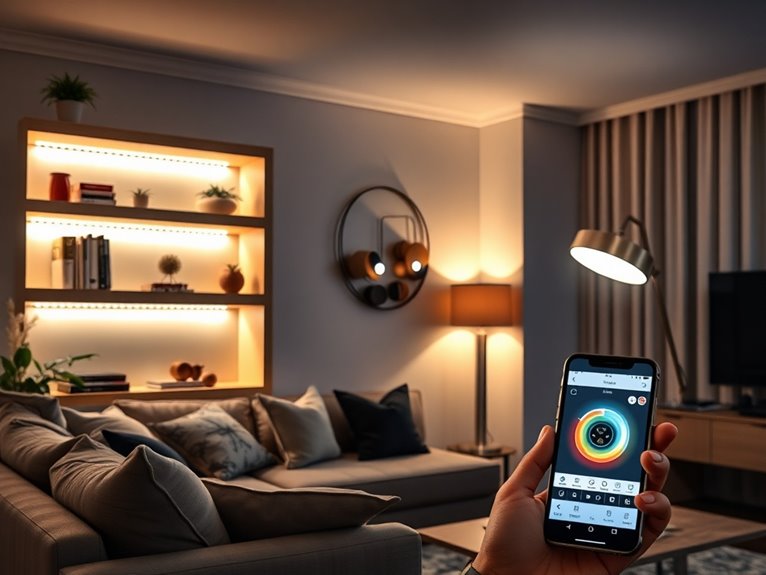
When it comes to creating a smart home, lighting is often the easiest place to start—especially if you’re like me and can’t resist a good gadget. First, grab some smart bulbs; they’re surprisingly affordable. Just screw them into your existing fixtures, and voilà! Next, download the app that corresponds with your bulbs. It’s usually simple—just don’t panic if you accidentally connect to your neighbor’s lights. I’ve done it!
Once you’re in, you can set schedules or even group your lights. Feeling fancy? Try out voice control with a smart assistant! Just remember, if your lights start flickering at odd hours, it might be time to double-check your connections. Trust me, it’s a fun project that’ll brighten your home and mood!
Creating a DIY Smart Home Hub for Central Control
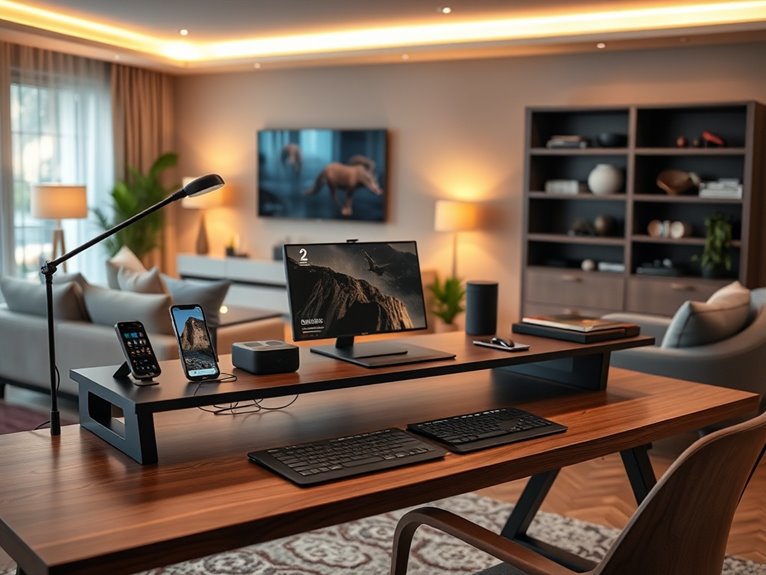
After you’ve got your smart lighting sorted, the next fun project is creating your very own DIY smart home hub for central control. Trust me, it’s easier than it sounds! Start with a Raspberry Pi; it’s your tiny powerhouse. Install Home Assistant, which is user-friendly and totally free. Connect your devices—smart bulbs, plugs, and sensors—using the app. Don’t worry; there are tons of guides out there. You’ll feel like a tech wizard!
I suggest labeling your devices in the app, so you don’t yell at your fridge instead of the lights. Once you’ve got everything linked, you can control it all from your phone. Just be prepared for your friends to call you the “Smart Home Guru.” Who knew?
Automating Your Thermostat for Better Energy Efficiency
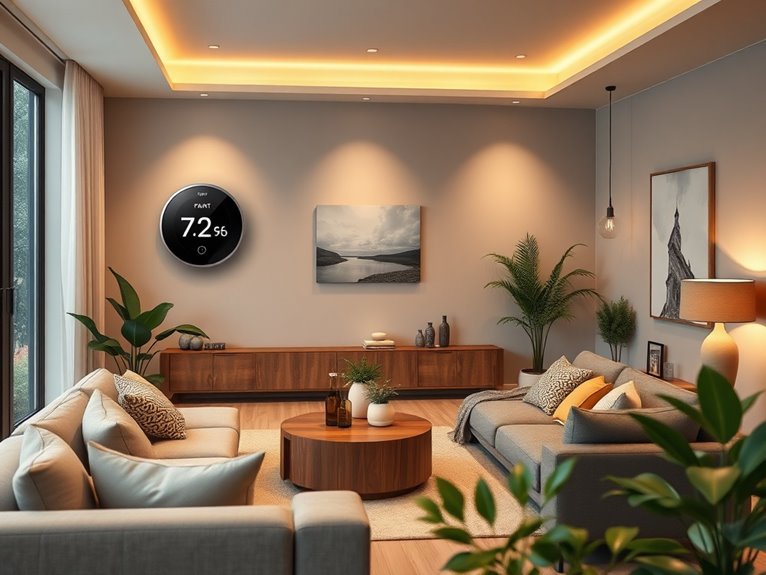
While you might not think of your thermostat as the star of your smart home, automating it can seriously boost your energy efficiency—and save you some cash, too. First, invest in a smart thermostat; I went with the popular Nest, and it’s been a game changer. Next, follow the setup instructions—don’t worry, they’re usually more straightforward than assembling IKEA furniture. Connect it to your Wi-Fi and download the app. Now, set your schedules: you can program it to lower the temp when you’re at work. Trust me, your wallet will thank you during those chilly months! Finally, keep an eye on energy usage stats; they’re like a report card for your home’s efficiency. Who knew saving money could be so… rewarding?
Enhancing Security With Smart Cameras and Sensors
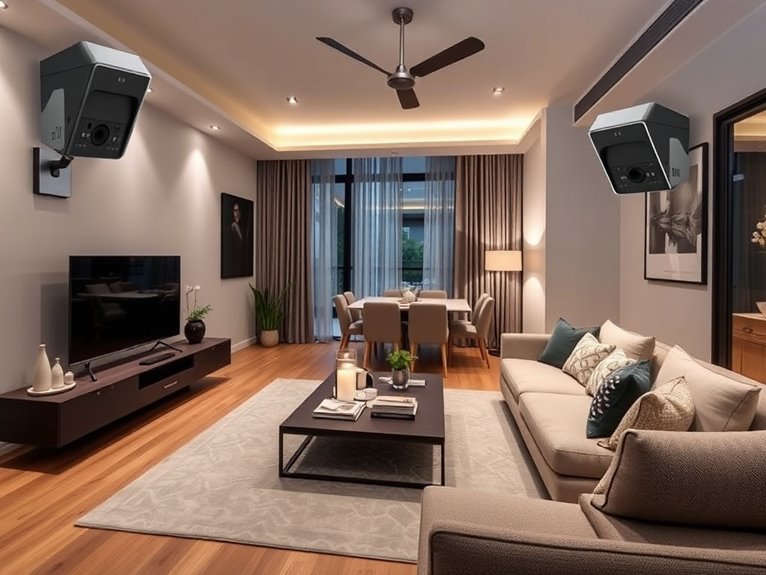
Boosting your home’s energy efficiency is a great start, but what about securing your castle? Smart cameras and sensors can be your best allies. First, pick a few key spots—like your front door, backyard, and garage. Then, choose cameras with motion detection and night vision; trust me, you want to see what’s going on after dark.
Next, install outdoor sensors to alert you when someone’s lurking around. Just follow the app’s instructions—most are user-friendly, even for people like me who struggle with tech sometimes. Connect everything to your Wi-Fi, and voilà!
Now you can check your home from anywhere with your phone. It’s like being a superhero, minus the cape. And who doesn’t want that?
How to Set Up Voice-Controlled Assistants in Your Home?
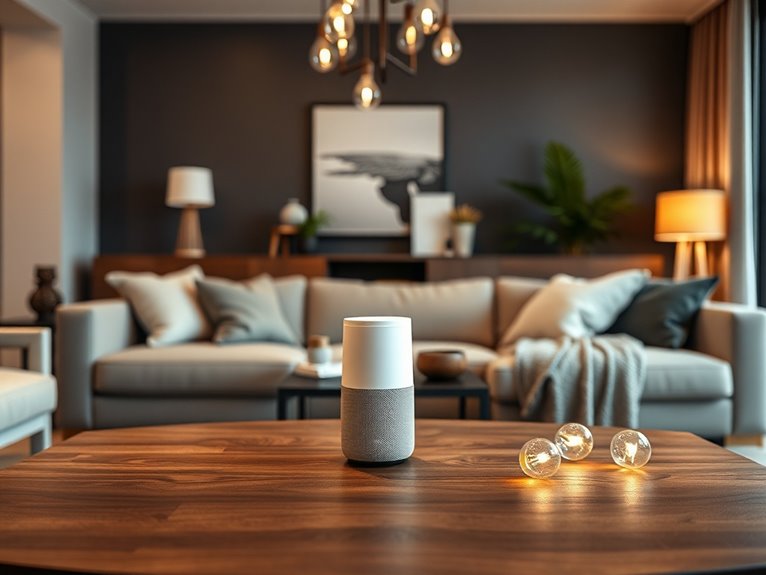
Have you ever wondered how to turn your home into a voice-controlled wonderland? It’s easier than you might think! First, pick a voice assistant—like Amazon Alexa or Google Assistant. Next, plug in the device and power it up. Download the corresponding app on your phone. Follow the prompts, and don’t worry if you feel like you’re talking to a robot; it’s normal! Once set up, connect your smart devices, like lights or speakers, through the app. You might need to enable skills or link accounts—basically, it’s like making new friends. Finally, test it out! Yell, “Hey Google, play my favorite song!” and watch the magic happen. Just don’t be surprised if it plays your ex’s breakup playlist instead!
Smart Plugs: Control Devices From Your Phone
Smart plugs are a game-changer for anyone looking to immerse themselves in the world of home automation. With just a few simple steps, you’ll be controlling your devices from your phone like a tech wizard. First, plug the smart plug into an outlet, then connect your device—maybe that lamp you always forget to turn off. Next, download the corresponding app, and follow the setup instructions. It’s usually a breeze; even I managed to do it without accidentally unplugging my fridge! Once it’s set up, you can schedule when your devices turn on or off. Imagine having your coffee maker start brewing right before you wake up. Trust me, it feels like you’ve got your life together, even if you’re still in pajamas!
DIY Smart Irrigation: Automating Your Garden Watering
After you’ve mastered the art of controlling your devices with smart plugs, why not take your tech-savvy skills outdoors? Automating your garden watering is easier than you think! Grab a smart irrigation controller—trust me, it’ll change your life. First, connect it to your Wi-Fi and download the app. Then, set up your watering schedule based on your plants’ needs, like a personal trainer for your garden. Attach drip hoses or sprinklers, and don’t forget to check for leaks; nobody wants a flooded yard, right? Finally, sit back and watch your plants thrive without lifting a finger. Just remember to occasionally check in—plants don’t need therapy, but your garden will appreciate the love!
DIY Smart Doorbell Projects: Monitor Visitors Anywhere
While you might think a doorbell is just a simple chime, it can actually be your first line of defense and a handy way to keep tabs on visitors. I’ve set up my own smart doorbell, and let me tell you, it’s a game changer! Here’s how you can create yours in a weekend:
- Choose Your Camera: Pick a doorbell camera that suits your needs—look for features like night vision and two-way audio.
- Install the App: Download the corresponding app to your smartphone; this is where the magic happens.
- Mount It Up: Follow the instructions to mount it at eye level. Just don’t forget to double-check the angle!
Now, you’ll know who’s at your door, even when you’re in your PJs!
Setting Up Smart Smoke and CO Detectors for Peace of Mind
When it comes to keeping your home safe, you can never be too careful—especially when it involves smoke and carbon monoxide (CO) detection. I mean, who wants to play the “guess what that smell is” game? First, choose smart detectors that connect to your Wi-Fi. I prefer ones with both smoke and CO detection—two birds, one stone! Mount them high on walls or ceilings, following the manufacturer’s instructions. Next, download the app that pairs with the detectors. Trust me, it’s easier than trying to assemble IKEA furniture. Add the detectors to your home network, and voilà! You’ll receive alerts on your phone, giving you peace of mind. Now, go ahead and impress everyone with your newfound safety smarts!
Custom Automation Routines for Daily Tasks
Smart detectors are a fantastic way to boost your home safety, but let’s talk about how to make your daily life even easier with custom automation routines. Trust me, once you set these up, you’ll wonder how you ever lived without them. Here’s what I suggest:
- Morning Wake-Up: Program your lights to gradually brighten and your coffee maker to start brewing at your desired wake-up time. Nothing says “good morning” like the smell of fresh coffee.
- Home Arrival: Use geofencing to trigger lights and music when you arrive home. It’s like a welcome committee, minus the awkward small talk.
- Bedtime Routine: Set your thermostat to cozy, lights dim, and play soothing sounds as you wind down. Sleep mode activated!
These little tweaks really make a difference, trust me!
DIY Enhancements for Smart Home Entertainment
If you’re looking to level up your home entertainment system, you’re in for a treat. Start by adding a smart TV mount that can swivel—trust me, it’ll change your viewing experience. You’ll need a stud finder (don’t worry, it’s easier than it sounds) and a power drill.
Next, consider a simple DIY surround sound setup. Grab a couple of Bluetooth speakers and place them strategically around the room. It’s like having a mini concert at home!
Finally, use a smart lighting system. You can sync your lights to dim when it’s movie time. Just imagine the ambiance!
With these enhancements, your living room will feel like a high-tech theater, minus the overpriced popcorn. Enjoy your weekend project!
Creating a Stylish DIY Smart Mirror
Creating a stylish DIY smart mirror can not only elevate your space but also add a touch of tech-savvy flair to your daily routine. Trust me, it’s easier than it sounds! Here’s how you can whip one up in no time:
- Gather your materials: You’ll need a two-way mirror, a monitor, a Raspberry Pi, and some wood for framing. Sounds like a scavenger hunt, right?
- Assemble the frame: Make sure it’s sturdy enough to hold everything. I had a frame collapse once—let’s not repeat that!
- Connect the tech: Hook up the monitor to the Raspberry Pi, load your favorite smart mirror software, and voilà! You’ve got yourself a high-tech reflection.
Now, enjoy your new, stylish gadget!
Budget-Friendly Ways to Integrate Smart Home Technology
You might think that upgrading your home with smart technology requires a hefty budget, but I’m here to show you it doesn’t have to break the bank. First off, consider smart plugs—they’re like magic for your regular lamps! Just plug them in, connect to your Wi-Fi, and boom—you can control your lights from your phone. Next, grab some smart bulbs; they’re often on sale, and they let you change colors and brightness with just an app. Want a security boost? Look for budget-friendly cameras; many offer great features without costing a fortune. Finally, don’t forget about DIY projects! With a little creativity, you can repurpose old devices into smart ones. Trust me, your wallet will thank you!