
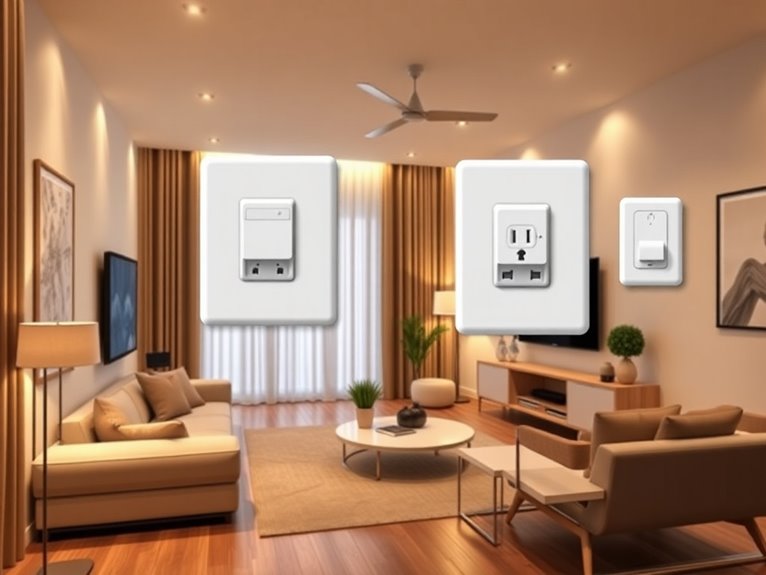
If you’re looking to maximize convenience without maxing out your budget, smart plugs and switches are a game-changer for small homes! I’ve found some fantastic options that won’t break the bank. Think about compact designs that fit in any outlet and don’t block adjacent plugs – lifesavers for tight spaces. Plus, you can schedule lights and track energy use right from your phone. Curious about the best budget picks? Stick around and let’s uncover some treasures together!
Table of Contents
Design Highlights
- Look for compact smart plugs that fit snugly into outlets without blocking adjacent ones, perfect for maximizing space in small homes.
- Choose budget-friendly options that offer Wi-Fi connectivity and compatibility with popular smart home systems like Alexa and Google Assistant.
- Consider smart plugs with energy monitoring features to track usage and identify high-energy devices, helping to reduce electricity bills.
- Opt for user-friendly apps that allow easy management of devices and scheduling for automated control of lights and appliances.
- Read customer reviews to find reliable and affordable smart plugs that meet specific needs without compromising on functionality.
Why Smart Plugs and Switches Are Essential for Small Homes
When you live in a small home, every square inch counts, right? That’s why smart plugs and switches are a game changer. They let you control your devices remotely, saving precious space and energy. Imagine being able to turn off your lamp from your cozy couch instead of making that trek across the room. Plus, you can schedule your lights to turn on before you even walk in the door—talk about convenience!
These nifty gadgets also help you avoid those pesky energy bills. You can monitor energy usage and reduce waste. Just be careful not to overload them; I learned that the hard way when my toaster almost sparked a mini fire. So, embrace the smart lifestyle and simplify your small space!
How to Choose the Right Smart Plug for Your Needs
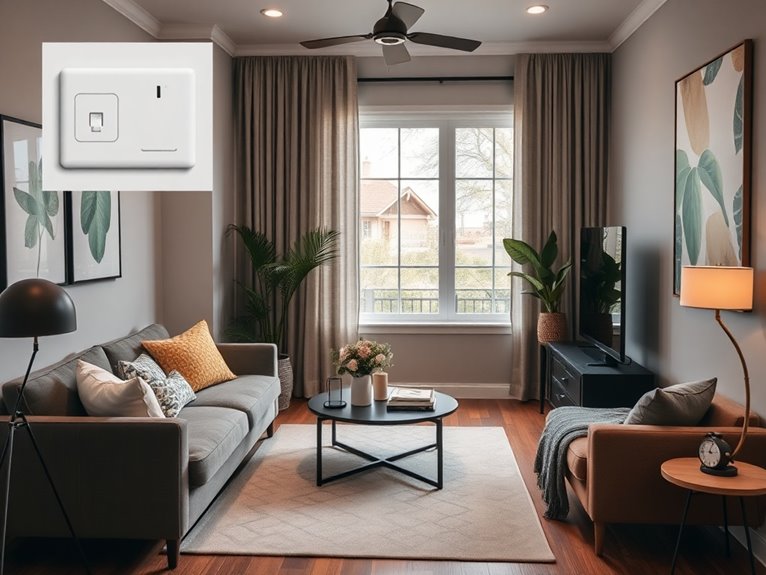
How do you find the perfect smart plug that fits your lifestyle? First, think about what you want to control. Do you need to turn on lamps, or maybe your coffee maker? Look for plugs that can handle the wattage of your devices. Next, consider smart features. Some connect via Wi-Fi, while others use Bluetooth. I personally prefer Wi-Fi for its range, but hey, do what works for you! Also, check compatibility with your smart home setup—like Alexa or Google Assistant. If you’re like me, you appreciate a user-friendly app. Finally, read reviews—don’t just take my word for it! Finding a budget-friendly option that fits your needs is like hunting for treasure, and trust me, it’s worth the search!
Automate Your Lighting With Smart Plugs
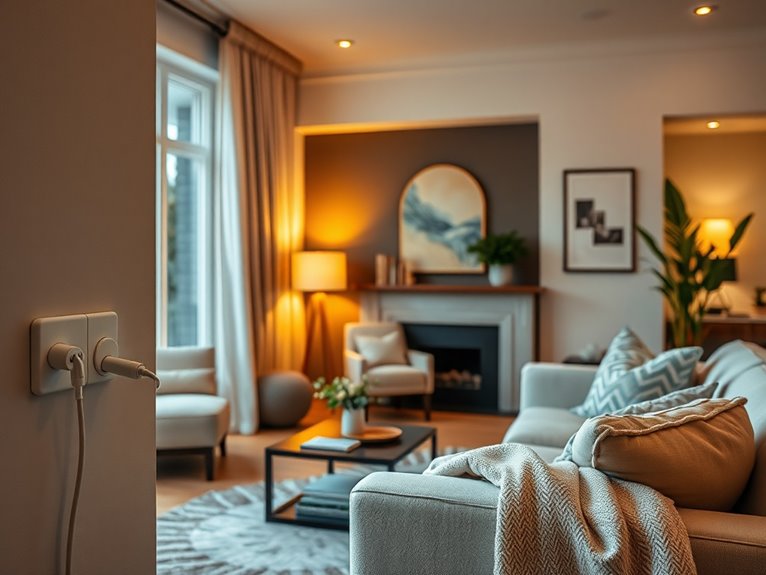
Automating your lighting with smart plugs can feel like magic, especially when you realize how simple it is to set up. First, grab your smart plugs—make sure they’re compatible with your Wi-Fi. Then, plug them into your lamps or lights. Next, download the corresponding app. I promise it’s easier than that time I tried to bake a soufflé!
Once you’ve got the app installed, follow the prompts to connect your smart plugs. You can even set schedules! Want your living room lights to turn on at sunset? Just tap a few buttons. Now you can impress your friends with your tech-savvy skills—just don’t mention the soufflé. Trust me, your evenings will feel cozier and more automated, making life that much easier.
Save Money With Energy Monitoring Smart Switches
While you might think energy bills are just a fact of life, energy monitoring smart switches can actually help you take control of your expenses. Trust me, once I installed one, it was like turning on the lights in a dark room. Here’s how these little wonders can help you save:
- Track Usage: See how much energy each device uses in real-time.
- Set Limits: You can set energy thresholds, so you know when to unplug that super-hungry coffee maker.
- Analyze Trends: View weekly or monthly usage, so you can spot patterns and adjust habits.
- Receive Alerts: Get notifications when you’re about to exceed your budget.
It’s like having a personal finance coach for your electricity!
Control Your Appliances Remotely With Smart Plugs
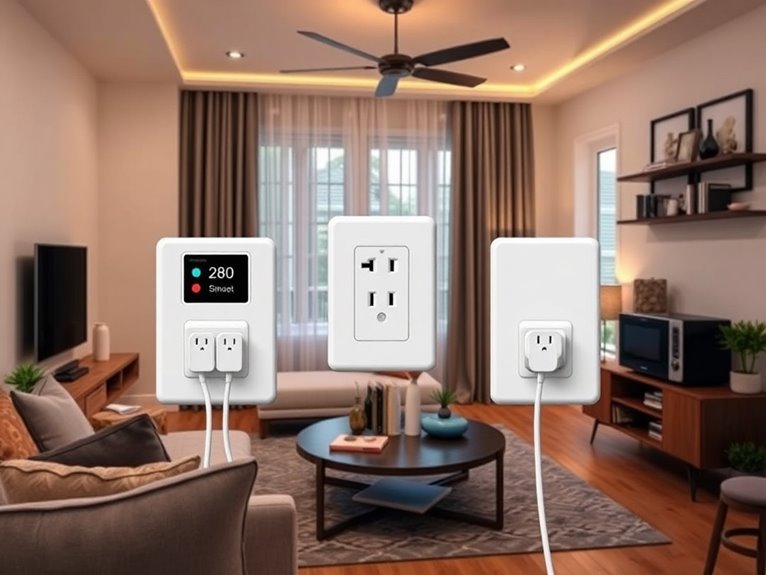
Imagine you’re cozied up on the couch, ready to binge-watch your favorite series, only to realize that you left the living room light on like some kind of forgetful gremlin. This is where smart plugs swoop in to save the day! With just a tap on your phone, you can control your appliances from anywhere. Whether it’s turning off that pesky light or firing up your coffee maker before you even get out of bed, it’s a game changer.
Here’s a quick glance at some budget-friendly options:
| Smart Plug | Features | Price |
|---|---|---|
| TP-Link Kasa | App control, energy monitor | $15 |
| Wemo Mini | Voice control, compact | $20 |
| Amazon Smart Plug | Alexa compatible | $25 |
| Meross | Remote scheduling | $18 |
| Gosund | Multi-outlet control | $16 |
You’ll wonder how you ever managed without them!
Build Your Smart Home Hub on a Budget
Building your smart home hub on a budget can feel like trying to assemble IKEA furniture without the instructions, but trust me, it’s way easier than you think. I’ve stumbled my way through this process, and I’ve got some golden nuggets to share. Here’s what you need to kickstart your hub without breaking the bank:
- Smart Hub: Look for budget-friendly options like the Amazon Echo Dot or Google Nest Mini. They’re affordable and versatile.
- Smart Plugs: Grab a few smart plugs to control your devices remotely.
- Smart Bulbs: Invest in smart bulbs for easy lighting control.
- Home Assistant App: Use free apps like Home Assistant to manage everything in one place.
With these tools, you’ll be set to create your smart oasis!
Schedule Your Devices for Convenience and Efficiency
You might be surprised at how easy it is to schedule your devices for maximum convenience and efficiency. First, grab your smart plug’s app—don’t worry, it’s usually user-friendly. Once you’re in, look for the “Schedule” tab. Here, you can set your coffee maker to brew at 7 AM, so you’re not stumbling around half-asleep.
Next, program your lights to turn on at sundown, making your home feel welcoming. Just remember, I once forgot to update my schedule, and my lights went disco mode at midnight!
Finally, don’t forget to test your schedules. Trust me, nothing’s worse than a coffee maker that takes a holiday on Monday morning. Happy scheduling! You’ll wonder how you managed without it.
Boost Your Home Security With Smart Switches
While you’re getting your schedules just right, think about how smart switches can take your home security game up a notch. It’s like having a personal bodyguard for your home, but way more affordable! Here are four clever ways to boost your security with smart switches:
- Random Lighting: Program your lights to turn on and off at different times. It’ll look like you’re home, even when you’re not!
- Outdoor Lights: Set your porch light to turn on at sunset. A lit entryway can deter unwanted visitors.
- Alerts: Connect your smart switches to send alerts if someone tries to tamper with them.
- Integration: Pair with cameras for an all-in-one security solution.
Trust me, it’s an upgrade you won’t regret!
Integrate Voice Control With Smart Plugs
Ever wondered how to make your life a little easier with just your voice? Integrating voice control with smart plugs is your answer! First, grab a compatible smart plug—there are plenty out there that won’t break the bank. Next, download the app for your smart plug and link it to your Wi-Fi. After that, connect it to your favorite voice assistant like Alexa or Google Assistant.
Now, here’s the fun part: name your devices! I named my lamp “Snooze Light” because, let’s be honest, I need all the help I can get to wake up. Just say, “Hey Google, turn on Snooze Light,” and voilà, instant mood lighting! Trust me, it’ll make you feel like a tech wizard.
Creative DIY Projects for Smart Switch Automation
If you’re ready to level up your smart home game, diving into creative DIY projects for smart switch automation is a fantastic way to flex those crafty muscles. Trust me, it’s easier than it sounds! Here are four fun ideas to get you started:
- Automated Lamp Timer: Use a smart switch to schedule your lamps. Step one: plug in your lamp, step two: set a timer on your app. Voilà!
- Coffee Maker Control: Imagine waking up to fresh coffee! Connect your coffee maker to a smart switch, and program it to start brewing before you even get out of bed.
- Smart Outdoor Lights: Attach a smart switch to your outdoor lights. Program them to turn on at sunset, so you never fumble for the switch again.
- DIY Mood Lighting: Combine a smart switch with LED strips. You can set the mood for movie night or a romantic dinner with just a tap!
Save Space With Compact Smart Plugs
When it comes to maximizing your space, compact smart plugs are truly game-changers. I mean, who doesn’t want to declutter? These little wonders fit snugly into your outlets without blocking adjacent ones. Here’s a quick glance at why you’ll love them:
| Feature | Benefit |
|---|---|
| Space-Saving | Fits in tight spots |
| Easy to Use | Just plug and play |
| Affordable | Great value for money |
I’ve got a few scattered around my home, and they’ve transformed my cluttered corners into organized havens. Trust me, once you try these compact plugs, you’ll wonder how you ever lived without them. It’s like adding a secret weapon to your small home arsenal!
Setting Up Your Smart Devices: Tips & Tricks
Setting up your smart devices can feel a bit like assembling IKEA furniture without the instructions—daunting at first, but totally manageable with a little guidance. Trust me, I’ve been there, and here are four tips that’ll make your life easier:
- Read the Manual: I know, boring, but it’s essential! Each device has quirks that manuals explain better than your neighbor’s unsolicited advice.
- Use the App: Download the relevant app before plugging anything in. It saves you a lot of head-scratching!
- Group Devices: Organize similar devices together in the app. It’ll help streamline your commands.
- Test and Tweak: Don’t be afraid to play around! Sometimes you just need to unplug and replug to get things working.