
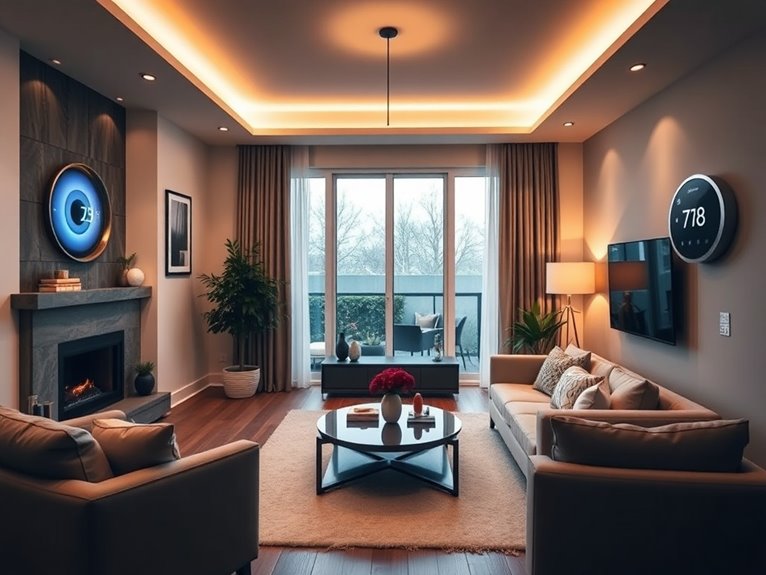
If you’re renting and want to get your smart home game on, start with smart bulbs to set the mood—just swap out your regular ones. Next, plug in some smart plugs to control devices remotely; they’re super easy to set up! Add a wireless camera for that extra peace of mind, and don’t forget a smart thermostat to save on energy bills—you’ll love it. Stick around; I’ve got even more nifty ideas to share!
Table of Contents
Design Highlights
- Install smart bulbs in existing fixtures for customizable lighting and ambiance without any permanent changes to the property.
- Use smart plugs to control appliances remotely, allowing for energy savings and convenient scheduling of usage times.
- Set up a smart speaker for hands-free music, weather updates, and voice-activated control of other devices in the rental.
- Incorporate wireless security cameras with adhesive mounts to enhance safety without damaging walls or risking your security deposit.
- Create a smart home hub that seamlessly integrates all devices for easy management and voice control, ensuring compatibility with your existing tech.
Why Smart Home Devices Matter for Renters
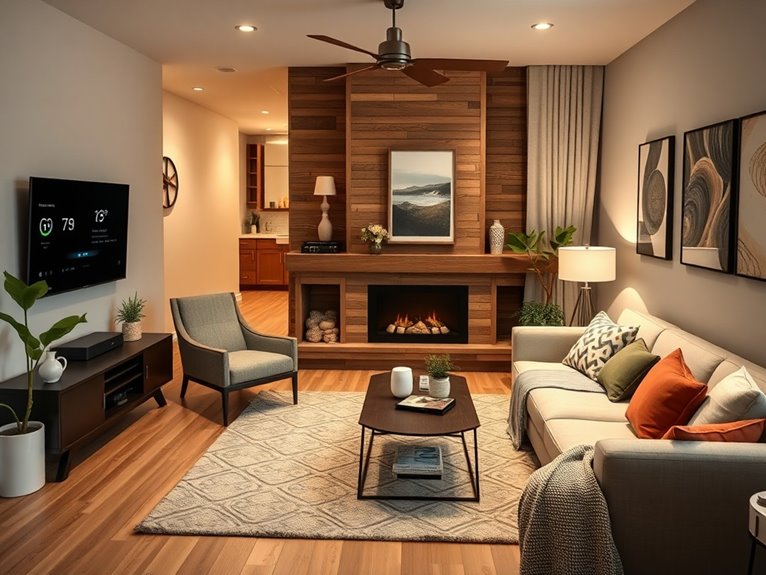
When you think about it, smart home devices can really transform your rental space into something more functional and fun. I mean, who wouldn’t want to control their lights or thermostat from their phone? You don’t have to own your place to enjoy these perks. Start with a smart speaker—just plug it in and connect it to your Wi-Fi. It’ll play your favorite tunes and give you weather updates. Next, consider smart plugs; they’re a game changer! You can turn off appliances with a tap. Just remember, avoid drilling holes or making permanent changes. Use adhesive hooks or cable ties to keep things tidy. Renters can totally embrace tech without losing their security deposit. Trust me, it’s worth it!
Smart Lighting Solutions to Brighten Your Space
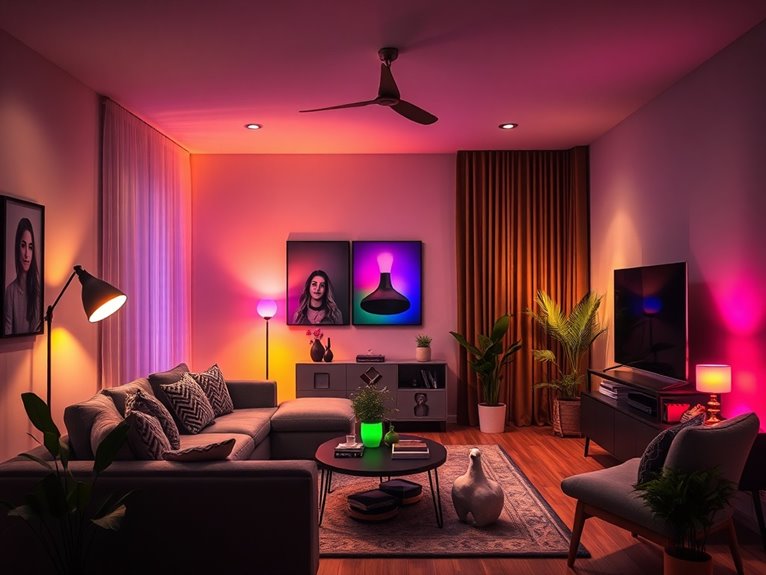
Smart lighting can really elevate the vibe of your rental space, making it feel more inviting and personalized. I like to start with smart bulbs. Just screw them in like regular bulbs, then download the app. Easy peasy! You can adjust brightness, change colors, and even schedule when they turn on and off.
For a cozy movie night, I set mine to a warm yellow. If you’re feeling fancy, consider smart strips under furniture or around door frames. They add a magical glow! And don’t forget about voice control—link your system to a virtual assistant and voila, instant ambiance! Trust me, you’ll feel like a lighting wizard. Just don’t trip over the cord while showing off your new setup!
Smart Plugs for Energy Efficiency
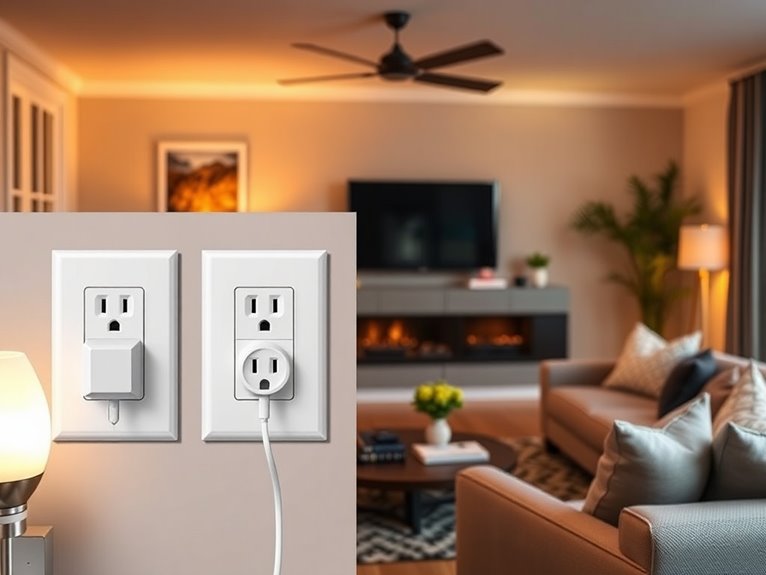
If you want to cut down on energy waste while keeping your space stylish, let’s explore the world of smart plugs. These nifty devices are like remote controls for your outlets! You can plug them into any regular socket and connect your lamps, coffee makers, or even that old heater that’s always on. Using an app, you can set schedules or turn things off when you forget. I mean, who hasn’t left the house with their phone charger still plugged in? You’ll save energy and cash without sacrificing style. Just guarantee you choose plugs compatible with your Wi-Fi and your devices. Trust me, once you go smart, you’ll wonder how you lived without them!
Install a Smart Thermostat for Savings
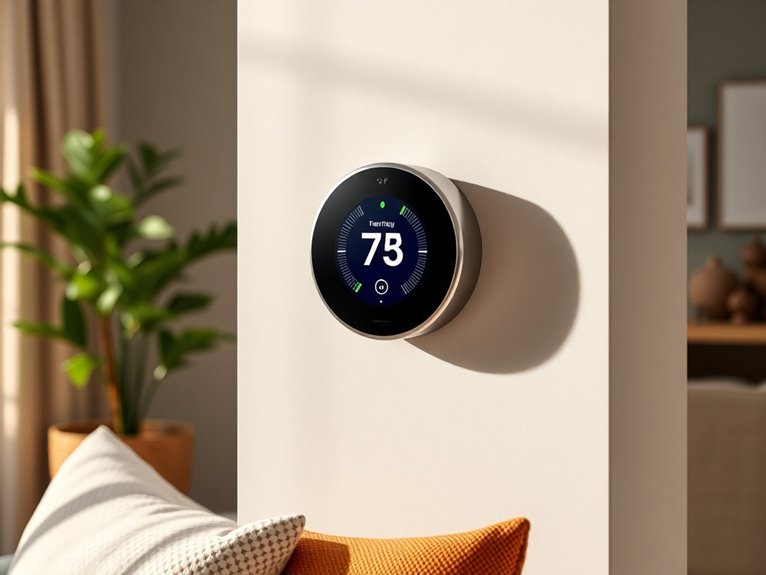
You might be thinking, “Great, I’ve got my smart plugs sorted. What now?” Well, let me tell you, installing a smart thermostat is a game changer for saving money and energy! It’s like giving your home a brain.
Here’s a simple table to help you decide on features:
| Feature | Benefit |
|---|---|
| Remote Control | Adjust temp from anywhere |
| Scheduling | Set temps for when you’re home or away |
| Energy Usage Reports | Track savings over time |
To install, just turn off the power, remove your old thermostat, and follow the instructions that came with your new one. Don’t worry, it’s usually color-coded—just like a kindergarten art project! You’ll be saving money before you know it.
Wireless Security Cameras for Enhanced Safety
While I might not have a crystal ball to predict the future, I can tell you that installing wireless security cameras can greatly boost your peace of mind. Envision this: you’re out enjoying life, and your camera’s sending you alerts if anything’s amiss. Start with a camera that fits your budget—there are plenty of options online. Look for features like motion detection and night vision; trust me, you’ll want those. Mount it at eye level near entry points. I know, I know—nailing into walls can feel like a big commitment, but many cameras come with adhesive options! Plus, you can always take it down when it’s time to move. With this setup, you can relax, knowing you’re keeping an eye on things.
Get Smart Speakers for Easy Entertainment
Imagine transforming your living room into a mini entertainment hub with just a few smart speakers. You don’t need a degree in tech wizardry—trust me, I barely know how to set my microwave! Start with a smart speaker like the Amazon Echo or Google Nest. Place one in your living room and another in the kitchen for music and podcasts while you cook (spaghetti can get boring, right?). Connect them to your Wi-Fi, and voilà! You can control everything with your voice. Want to set the mood? Just say, “play some chill tunes.” Bonus: many can link to your TV for surround sound. It’s like having a personal DJ on call—minus the awkward small talk. Enjoy your new vibe!
Smart Blinds for Convenient Privacy
Ever wondered how to balance the need for privacy with the desire for natural light in your rental? Smart blinds are your answer! They’re a game-changer, giving you control over your space without sacrificing style. Here’s how to get started:
- Choose the Right Type: Go for motorized or even solar-powered blinds; they’re perfect for renters.
- Measure Your Windows: Don’t skip this step! Accurate measurements guarantee a snug fit.
- Install with Care: Use adhesive hooks or tension rods if you’re avoiding nails—your landlord will thank you.
- Connect to Your Smart System: Sync them with your phone or voice assistant for effortless control.
Trust me, you’ll wonder how you lived without them. Enjoy that natural light, friend!
Choosing the Right Smart Home Hub for Seamless Control
So, how do you pick the right smart home hub to tie all your devices together? First, consider compatibility. Not every hub works with every device, so check what you already own. I once bought a fancy hub only to find out it couldn’t connect to my smart bulbs—awkward! Next, think about features. Do you want voice control? Look for hubs with built-in assistants like Alexa or Google Assistant. Also, consider ease of use; a complicated setup can make you question your sanity. Finally, read reviews. Trust me, nothing beats the wisdom of fellow renters who’ve been there. With these tips, you’ll find a hub that makes managing your smart home as seamless as your morning coffee routine.
Smart Home Appliances for Easy Setup
Now that you’ve got a smart home hub in place, let’s look at smart home appliances that are a breeze to set up. Trust me, these gadgets will have you feeling like a tech wizard in no time!
- Smart Plugs: Just plug them in, connect to your hub, and voilà! You can control anything plugged into them from your phone.
- Smart Bulbs: Swap out your regular bulbs for these. They screw in just like normal bulbs, and you can dim them or change colors using your app.
- Smart Thermostat: A little more involved, but if I can do it without burning down my apartment, so can you!
- Smart Speakers: Perfect for music and controlling other devices, just plug them in, connect, and jam out.
Your future self will thank you!
Setting Up Your Smart Home Network as a Renter
Setting up a smart home network as a renter can feel a bit intimidating, but don’t worry—I promise it’s easier than assembling that IKEA furniture you’ve been avoiding. First, grab a Wi-Fi router that suits your space. I recommend a mesh system if you’ve got a larger area to cover. Next, plug it into your modem and follow the setup instructions—easy peasy! Don’t forget to secure your network with a strong password; no one wants nosy neighbors snooping around. Then, download your smart device apps, like for smart bulbs or speakers. Connect each device to your network by following the prompts. And voilà! You’ve got a smart home that even your cat will appreciate—just don’t let it mess with the settings!